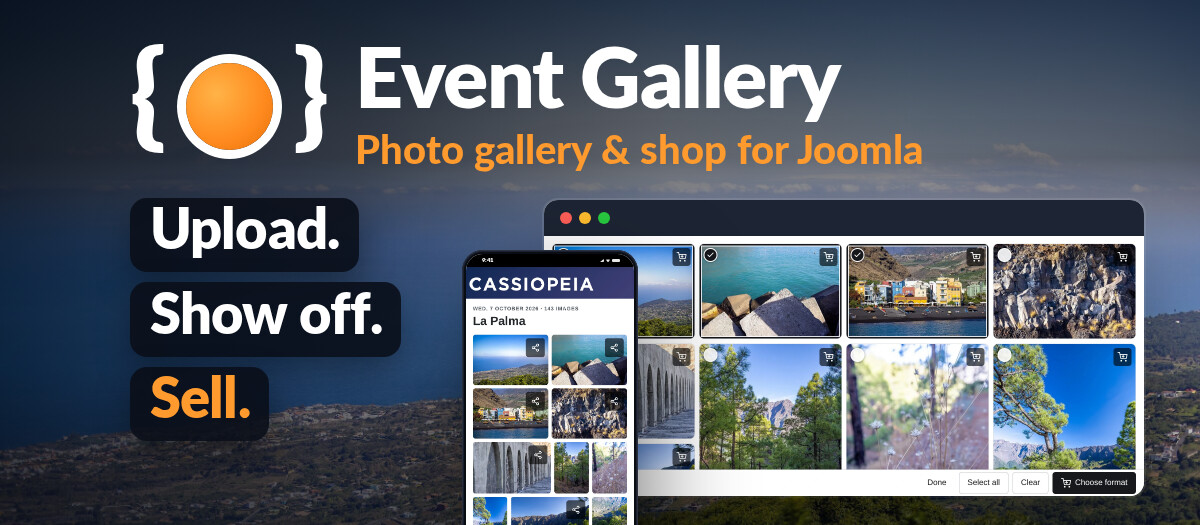
Upload. Show off. Sell.
Photo gallery and photo shop for Joomla - free to start, Extended when you want it all.
Event Gallery is a photo gallery and a photo shop for Joomla. Every gallery is an event: a folder of photos on your server, in S3 storage, a Flickr album or a shared Google Photos album. Visitors browse it in the layout you choose and swipe through the photos in a lightbox made for phones. Buyers pick prints or downloads, see their quantity discount and order through the built-in cart and checkout. You run it all from the Joomla backend.
Don't let the name fool you: Event Gallery is a complete gallery component. Photographers sell event, sports and school photos with it; clubs, travellers and agencies show their pictures with it.
The next version is on its way - for the free edition and for Extended at the same time.
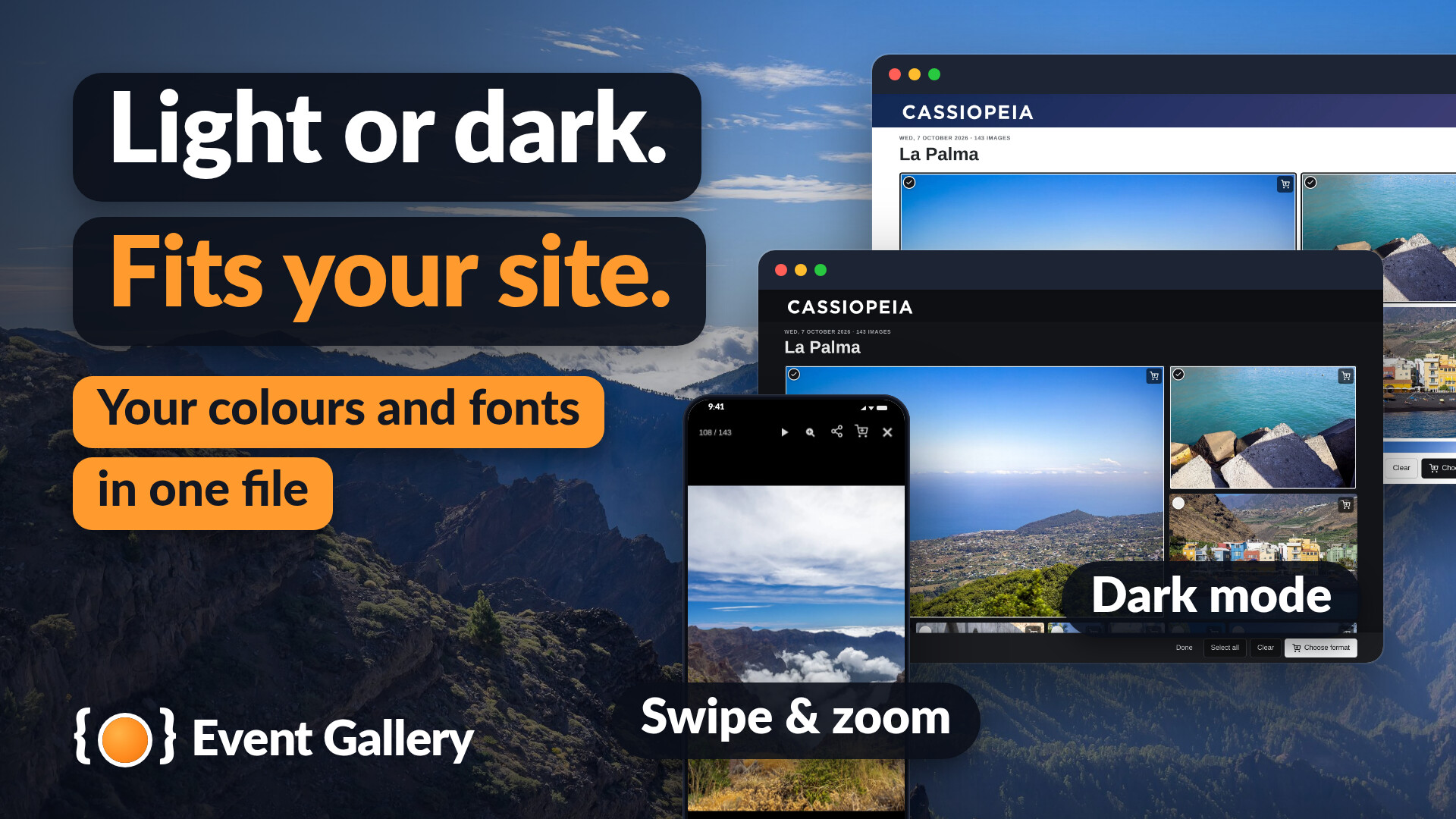
- A new frontend design. Calm, fast and the same under every template. Light and dark mode, and your own colours, fonts and corners with a small theme file. Dialogs open as sheets on a phone, the cart waits in a bar at the bottom, and every page works with the keyboard.
- A new backend. Every list and form rebuilt: search, filters, sortable columns, a short help for every setting - and every page works on a phone.
- Quantity prices at a glance. The format dialog and the cart show the price tiers, the tier the buyer is in, how many images are missing to the next one and what the buyer saves.
- Faster thumbnails. Made more than twice as fast, handed out in the size each page needs, as WebP where your server can.
- New editor buttons Extended Find an event or an image with a search, set the options in plain words, see what the tag will show - and every tag shows as a small card in the editor.
Want to know when it is out? Sign up for the newsletter.
One gallery. Every layout.
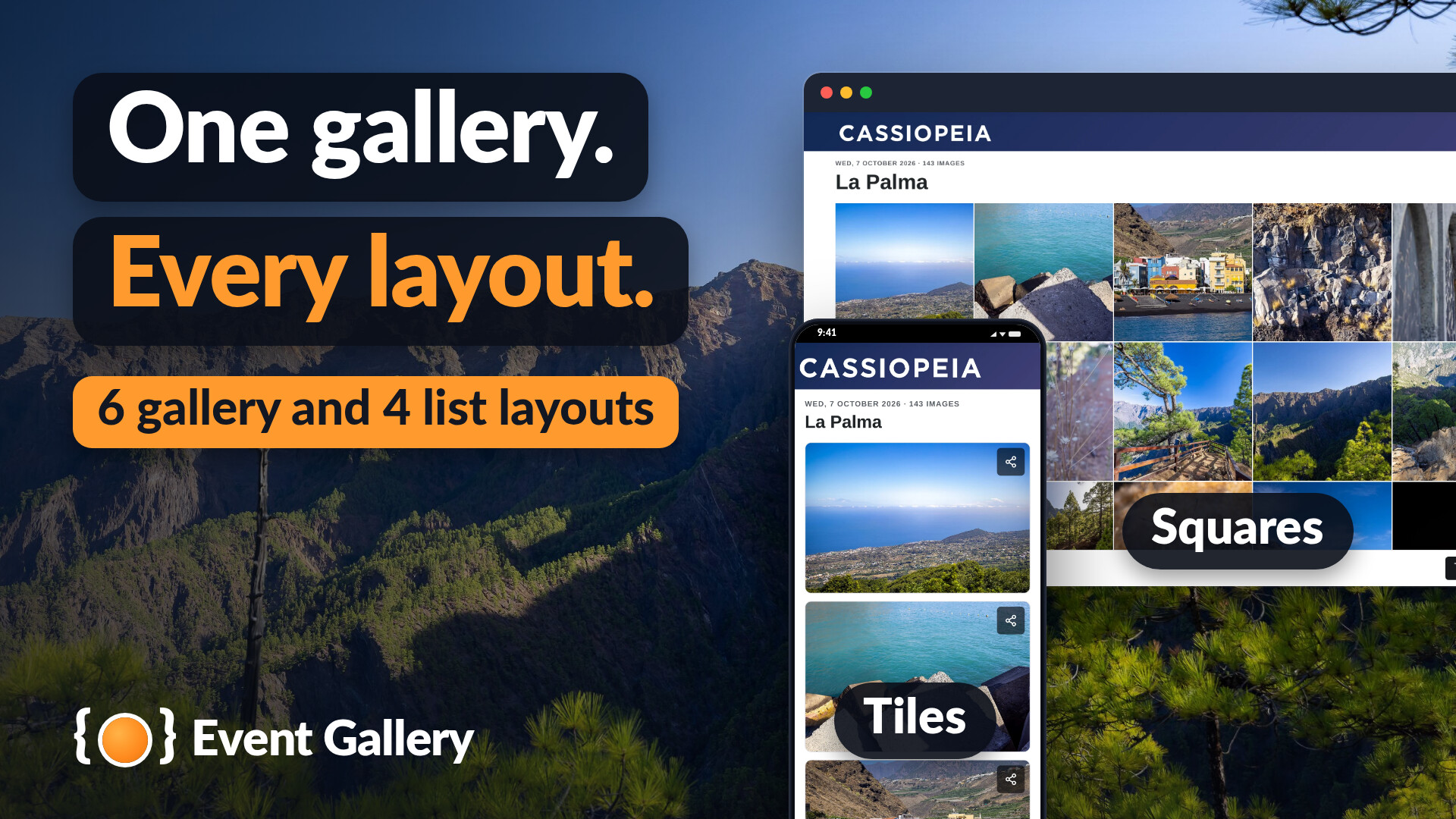
- Six layouts for a gallery: tiles, grid, squares, image list, pageable list and ajax list. Four layouts for lists of galleries: grid, tiles, image list and text.
- Lightbox with swipe, zoom and EXIF data. Share to Facebook, X, Pinterest, LinkedIn or by e-mail, or download the image.
- Private galleries: a password with a hint of your own, or only for the user groups you choose.
- Sharp photos on every screen, colour profiles kept, sharpening, watermarks; the original files only for the user groups you allow.
- Titles and descriptions in every language of your site.
- Extended Galleries and single images in your articles, as tiles, a grid or a slider - and six modules to show events, the latest images, the categories and the cart anywhere on your site.
- Extended Your galleries and images in Joomla's Smart Search.
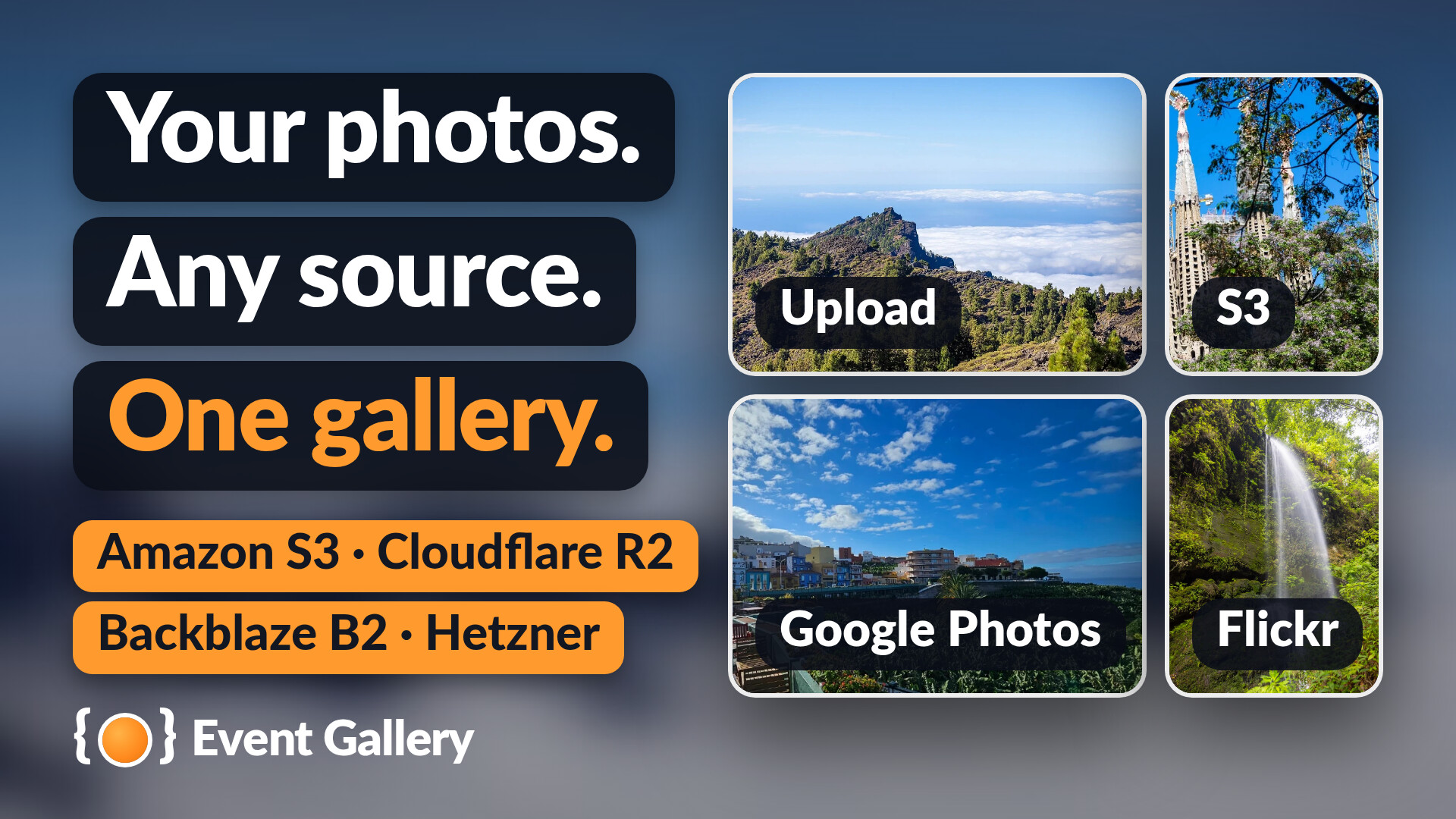
Your photos. Any source.
- Upload by drag and drop in the backend, from your desktop or your phone - or copy the photos by FTP and sync.
- Amazon S3 and S3-compatible storage such as Cloudflare R2, Backblaze B2, Wasabi and Hetzner Object Storage. Your originals stay private.
- Flickr albums and Google Photos albums - 30 photos per album in the free edition, the whole album with Extended.
- Extended Add photos to your events right on your site, from any device - without opening the backend.
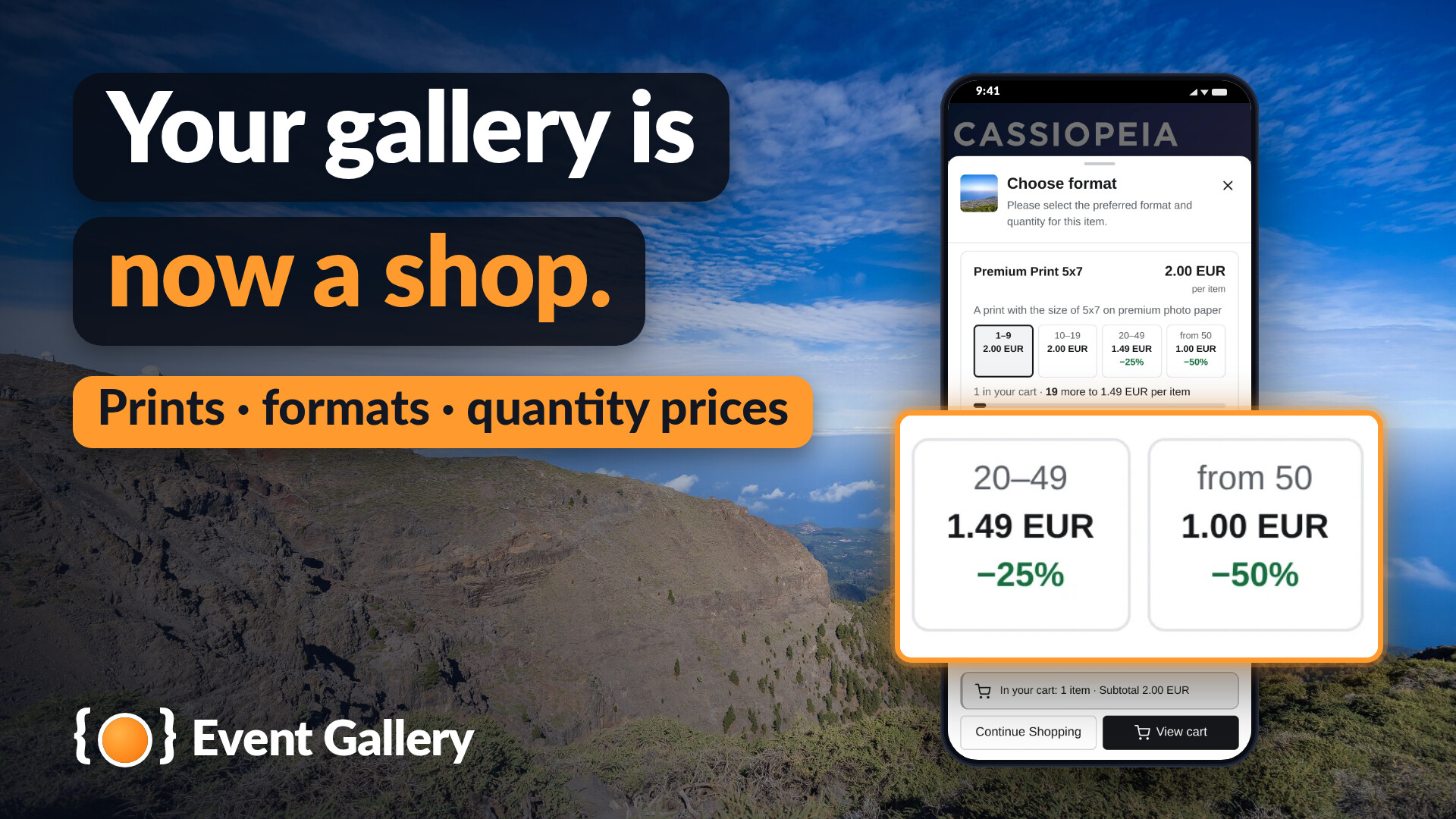
Your gallery is now a shop.
- Cart and checkout built in: formats and prices per gallery, quantity prices, packages and free quantities, promotion codes and automatic promotions, shipping methods and surcharges.
- Orders in the backend: order statuses, order mails with pictures of the ordered images, sales statistics. Buyers track their order on your site.
- Payment you settle yourself, in both editions: cash on pickup, cash on delivery, bank transfer.
- Extended Get paid online with PayPal and Stripe.
- Extended Sell downloads. As soon as an order is paid, the buyer gets the links to the files and a ZIP of all of them - in the mail and on the order page. Prints and downloads go into the same order.
Event Gallery is free: the gallery, the sources, the cart and the checkout with the payment you settle yourself. Event Gallery Extended is a yearly subscription and adds more, whether you sell or not: galleries in your articles, six modules, Smart Search, upload on the site, whole Flickr and Google Photos albums - and for your shop PayPal, Stripe and the sale of downloads. Extended installs over the free edition - nothing to migrate. Your subscription pays for the development of Event Gallery.
| Free | Extended | |
|---|---|---|
| Galleries & photos | ||
| Galleries Six gallery layouts, four list layouts, lightbox, sharing, categories and tags, watermarks |
✅ | ✅ |
| Private galleries Password or user groups |
✅ | ✅ |
| Your own storage Upload in the backend, FTP and sync, Amazon S3 and S3-compatible storage |
✅ | ✅ |
| Flickr & Google Photos | 30 per album | whole album |
| Upload on the site Add photos to your existing local and S3 events from the frontend |
❌ | ✅ |
| Shop | ||
| Cart & checkout Formats, quantity prices, packages, promotions, shipping methods, surcharges |
✅ | ✅ |
| Orders Order mails, order tracking, sales statistics, GDPR tools |
✅ | ✅ |
| Payment you settle yourself Cash on pickup, cash on delivery, bank transfer |
✅ | ✅ |
| Online payment PayPal and Stripe |
❌ | ✅ |
| Sell downloads Links and a ZIP as soon as the order is paid |
❌ | ✅ |
| Your whole site | ||
| Galleries in articles Two editor buttons, single images, sliders |
❌ | ✅ |
| Six modules Cart, event slider, events, latest images, categories, custom HTML |
❌ | ✅ |
| Smart Search Events and images in Joomla's search |
❌ | ✅ |
| Updates & support | ||
| New versions | ✅ | ✅ |
| Previews and developer builds | ❌ | ✅ |
| Priority support Direct help from the developer |
Manual | ✅ |
On your site
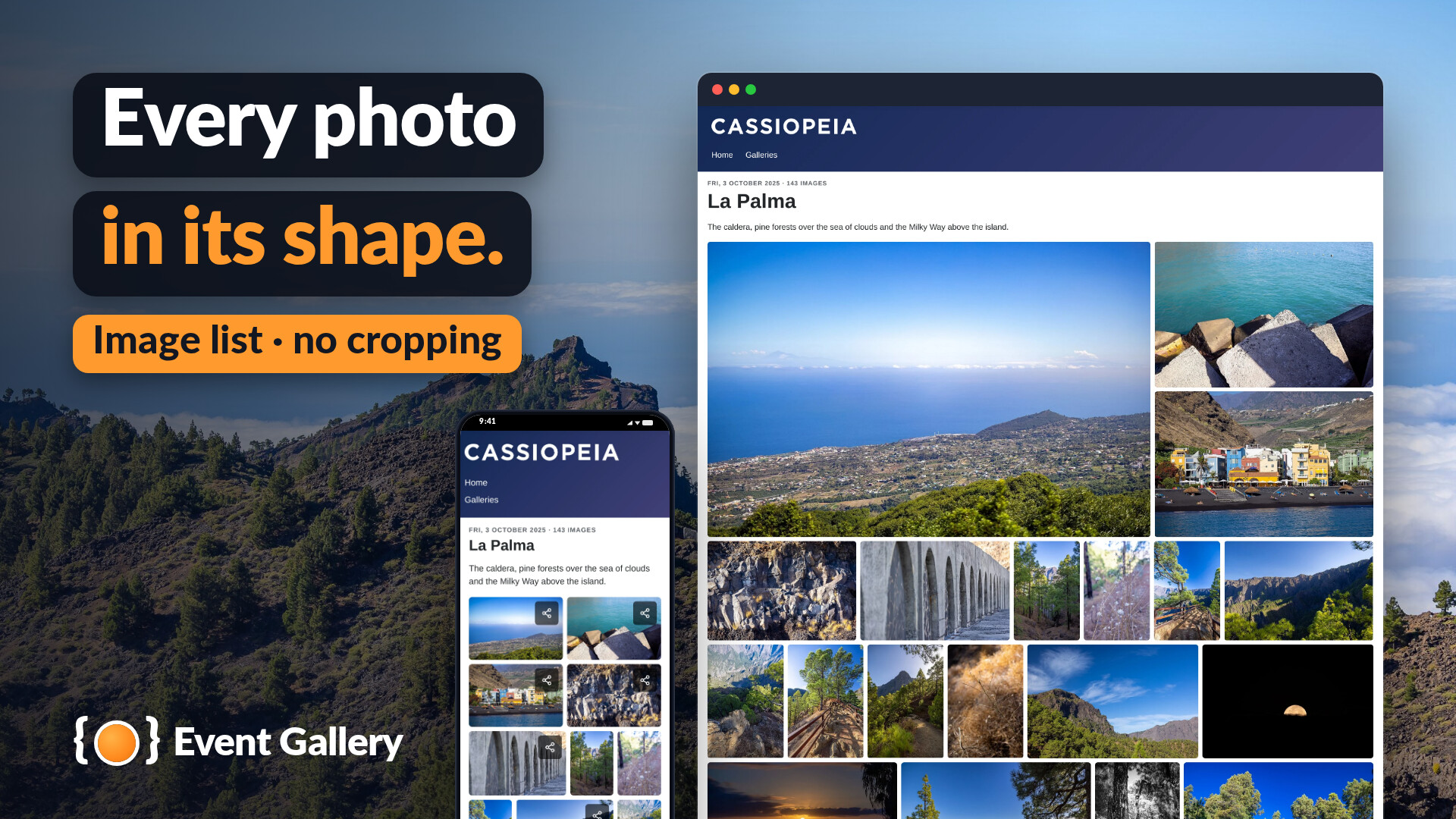
Every photo in its shape.
The image list sets your photos in even rows without cropping them.
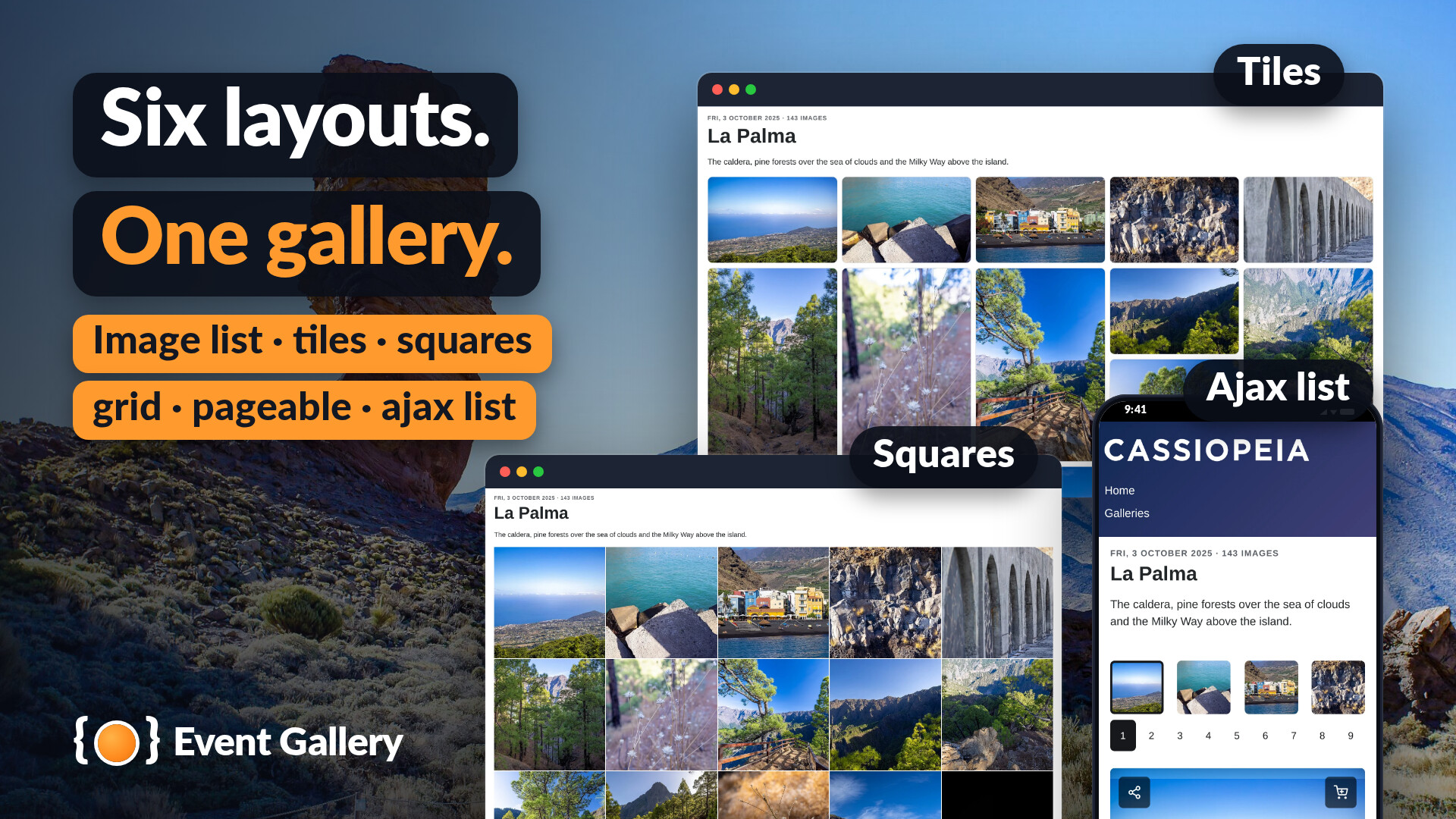
Six layouts, one gallery.
Image list, tiles, squares, grid, pageable or ajax list - per event or menu item.
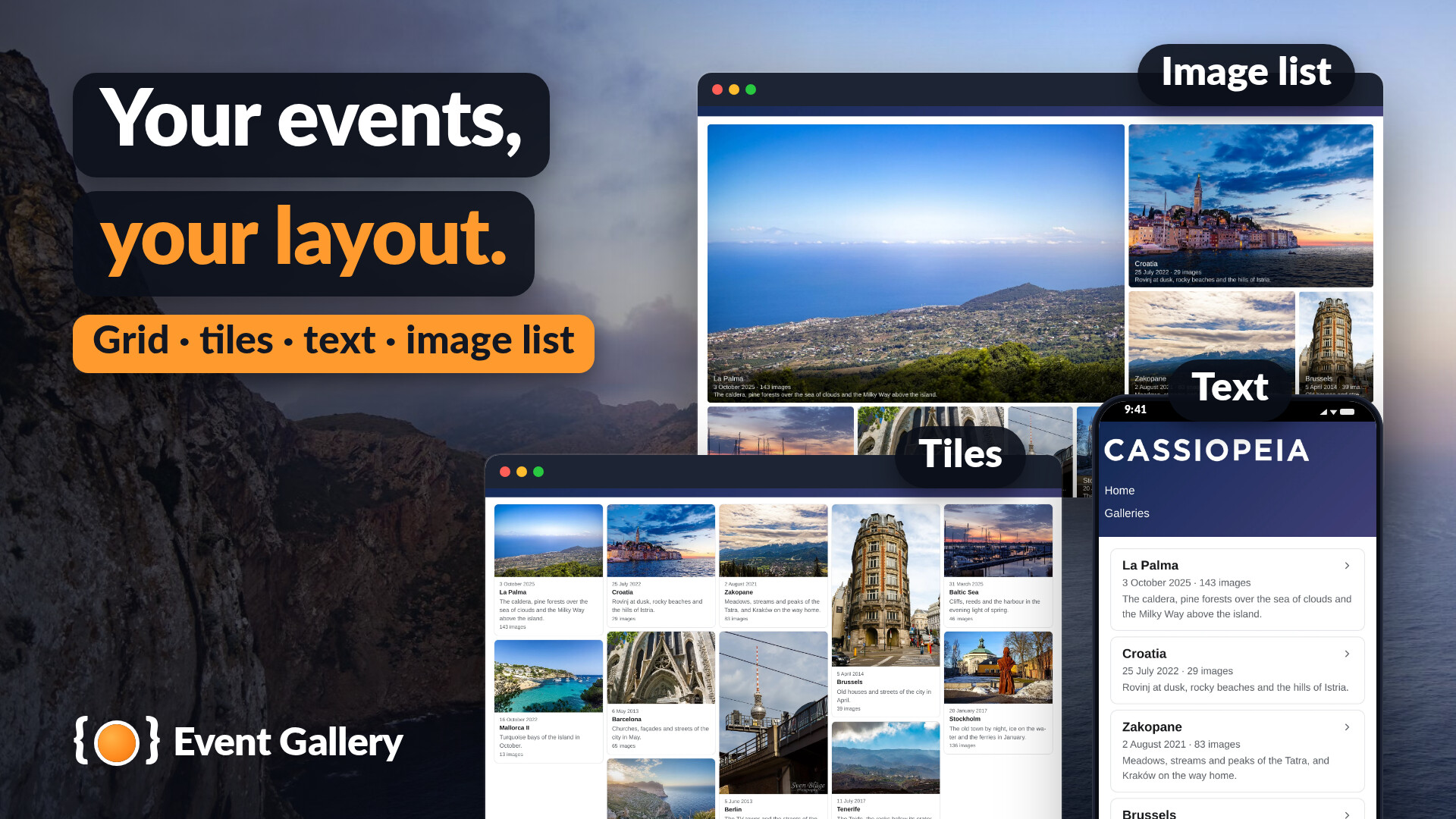
Your events, your layout.
The list of your events as grid, tiles, text or image list.
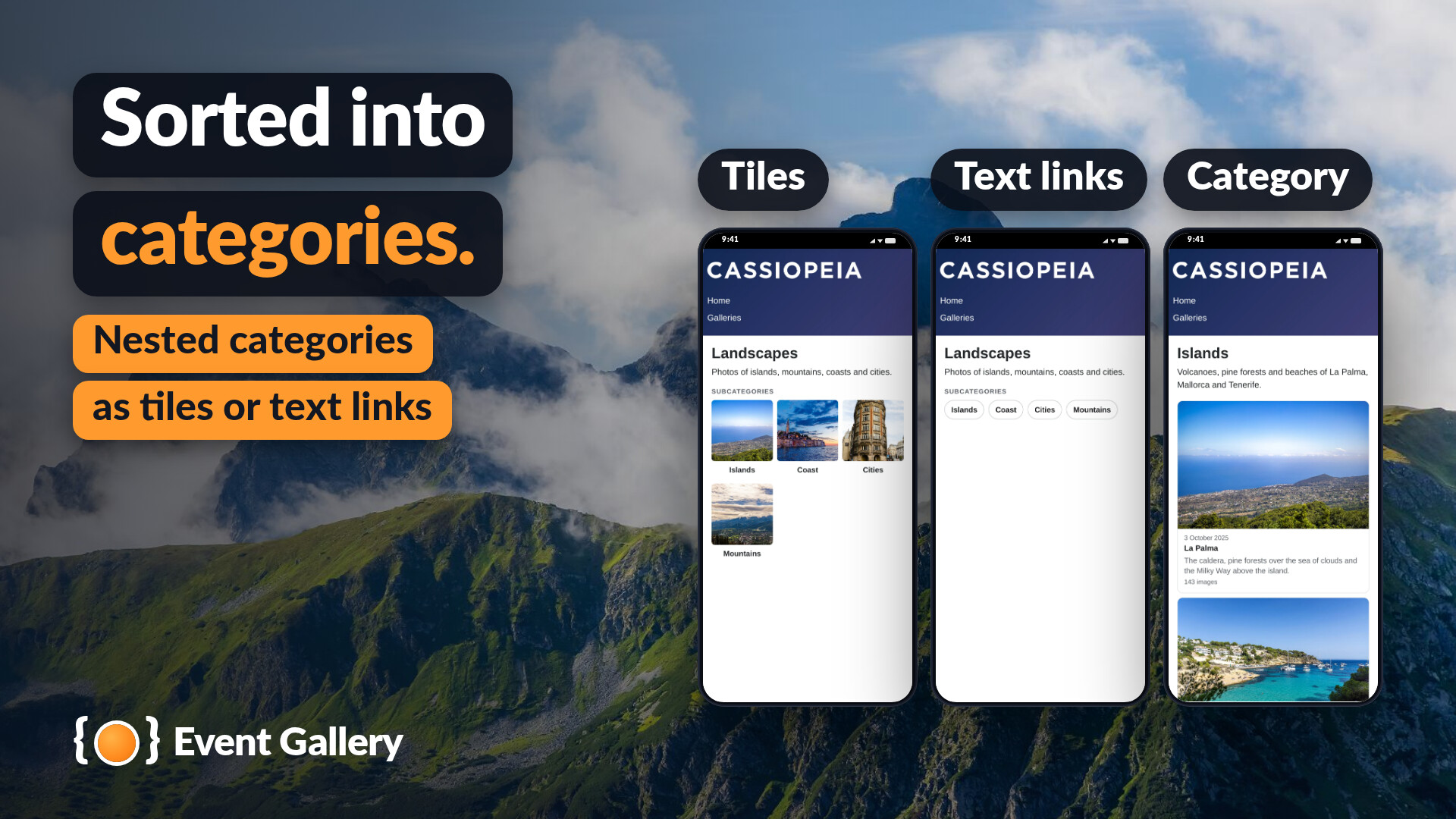
Sorted into categories.
Nested categories, shown as tiles or text links.
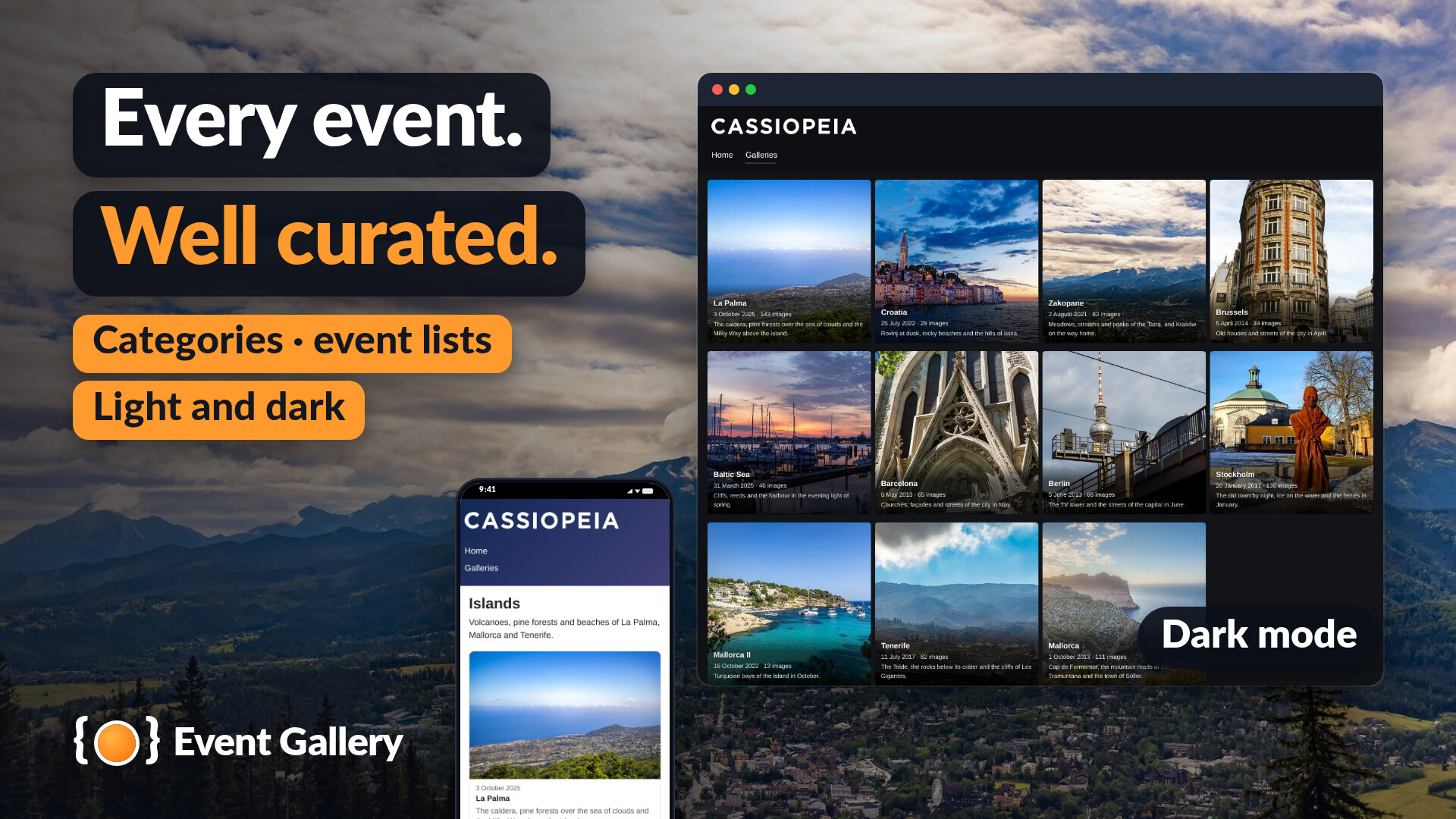
Every event, well curated.
Categories and event lists, in the light or the dark look of your template.
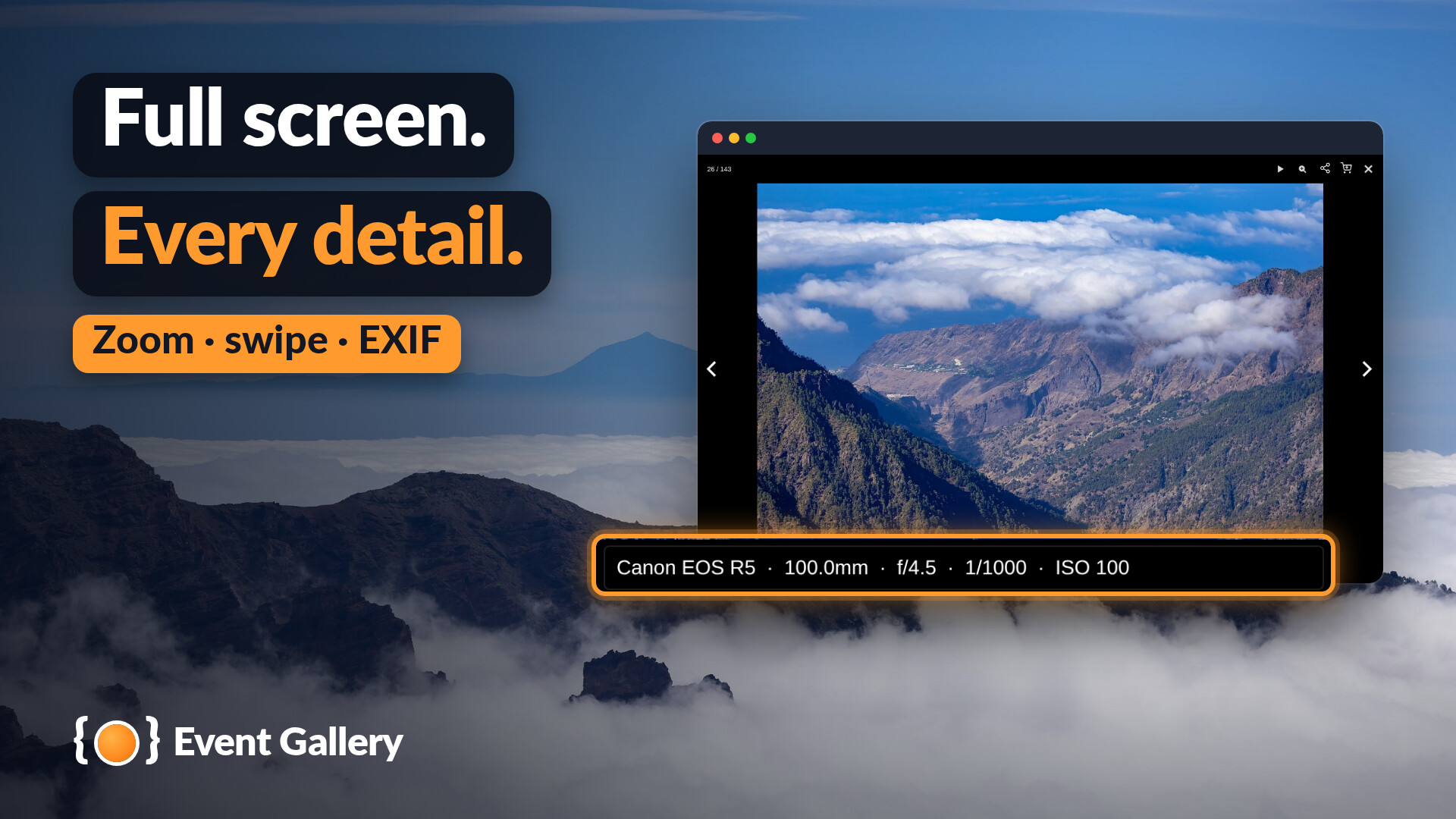
Full screen, every detail.
Zoom, swipe and the EXIF data of the camera in the lightbox.
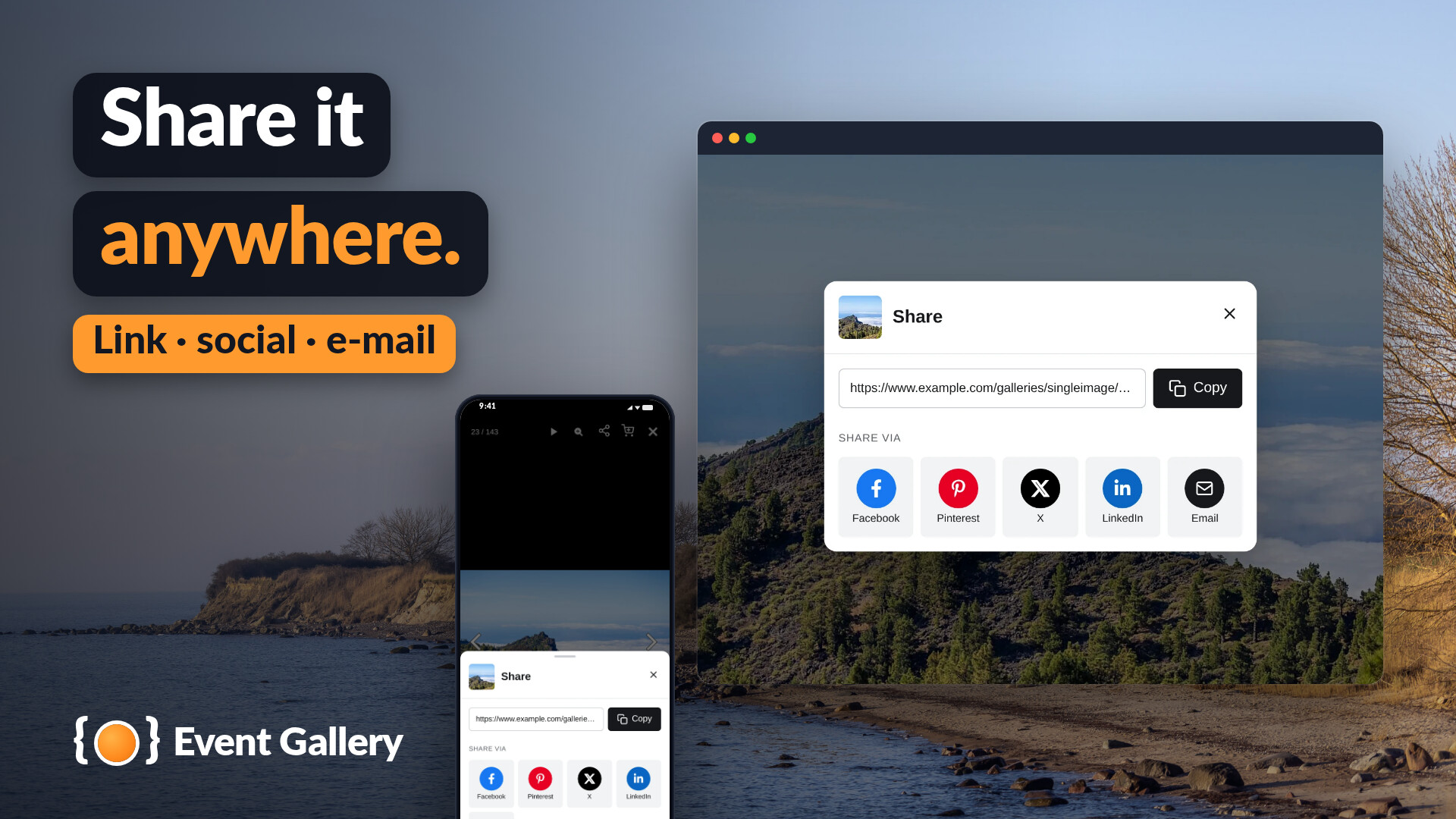
Share it anywhere.
Your visitors copy the link or share a photo on social networks and by e-mail.
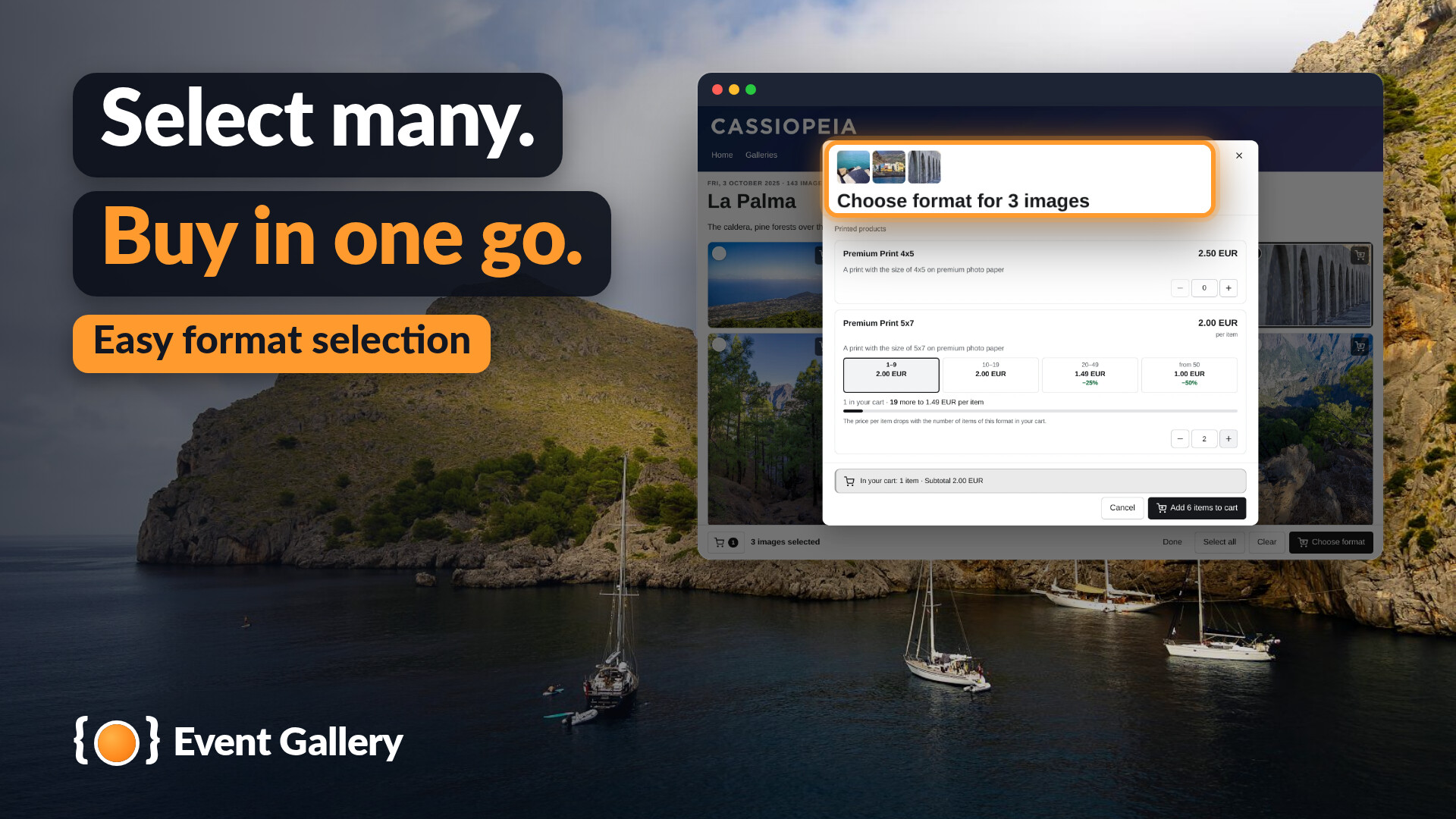
Select many, buy in one go.
Choose the format once for a whole selection.
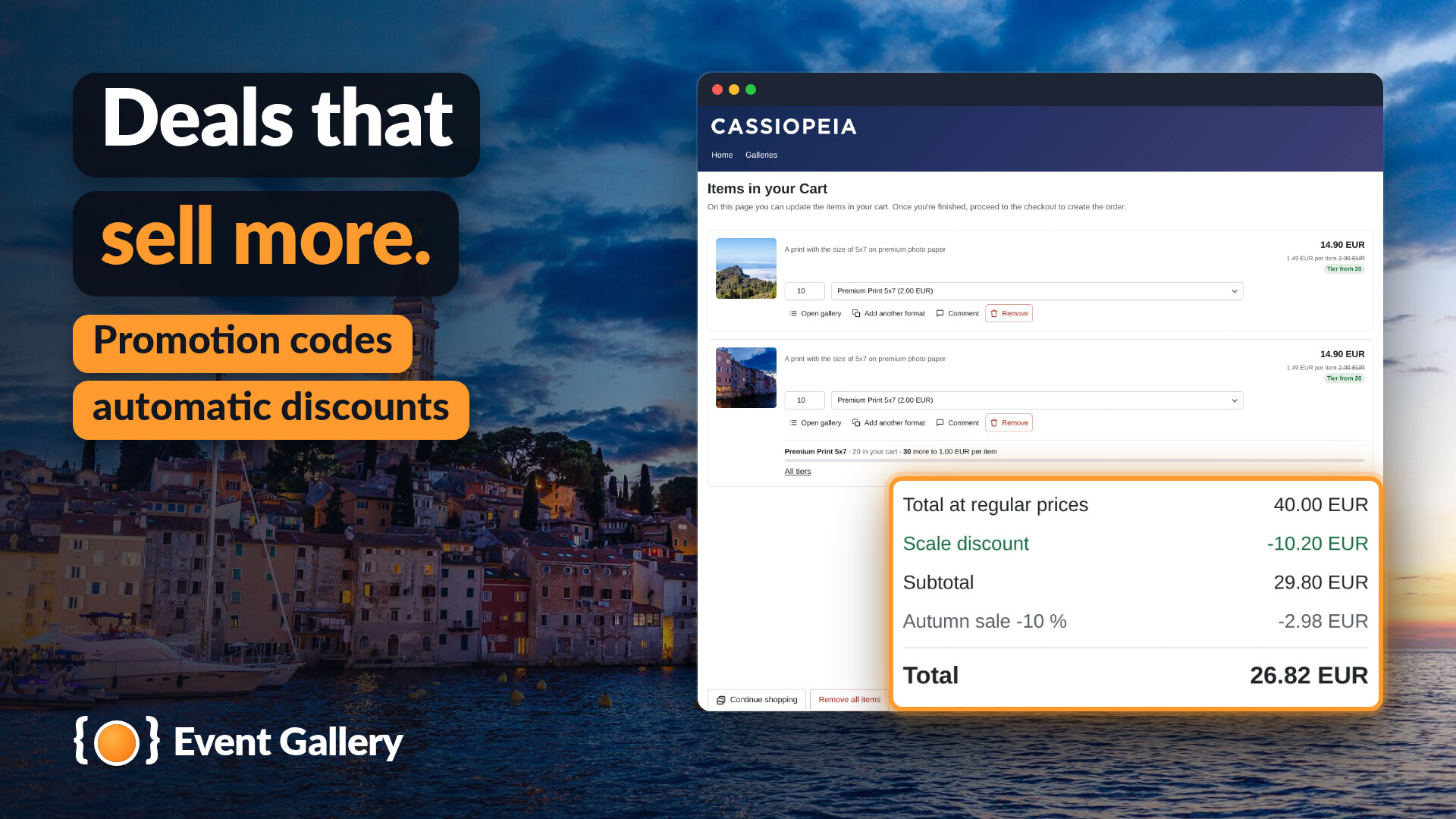
Deals that sell more.
Promotion codes and automatic discounts in the cart.
With Event Gallery Extended
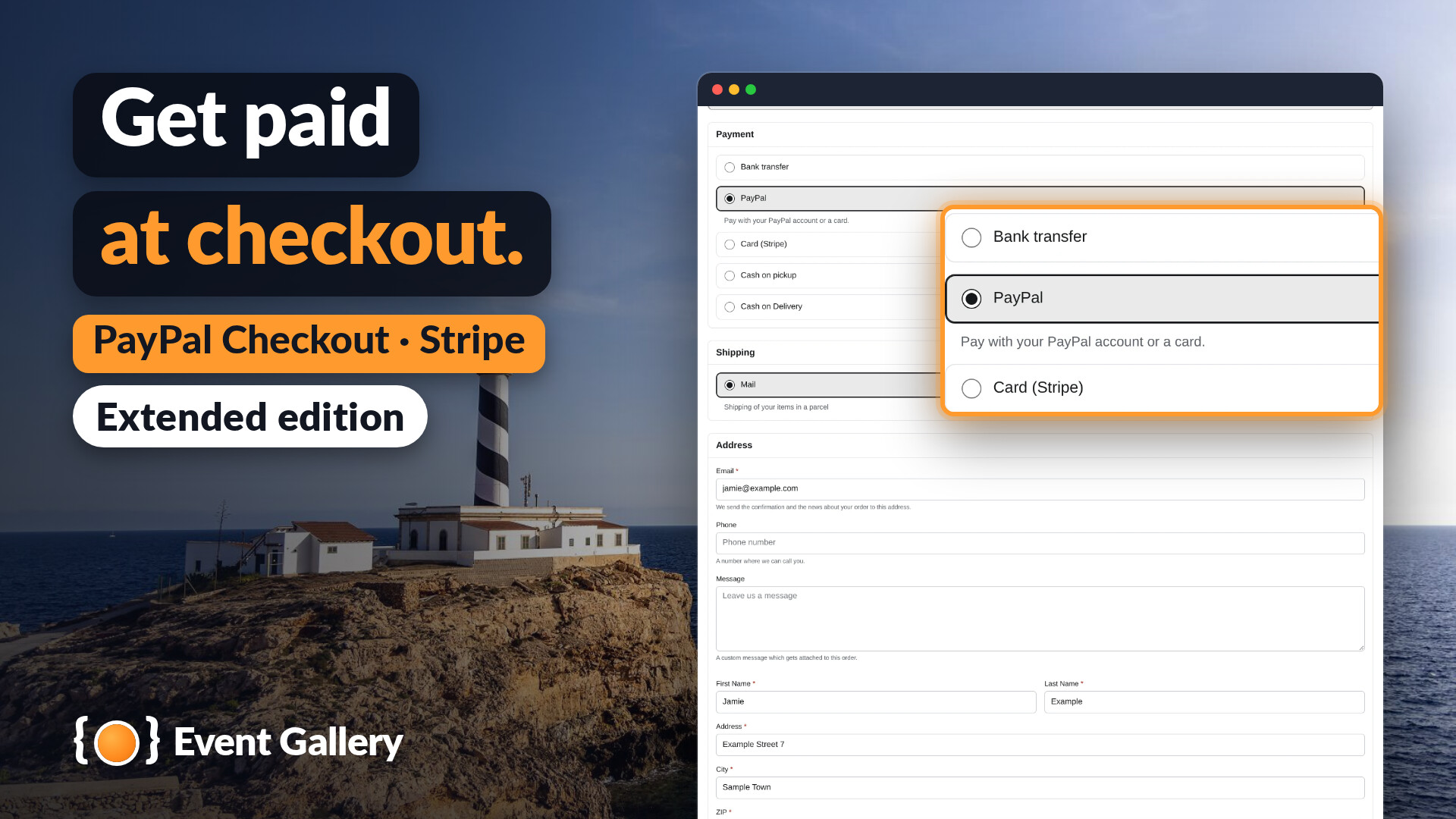
Get paid at checkout.
PayPal Checkout and Stripe.
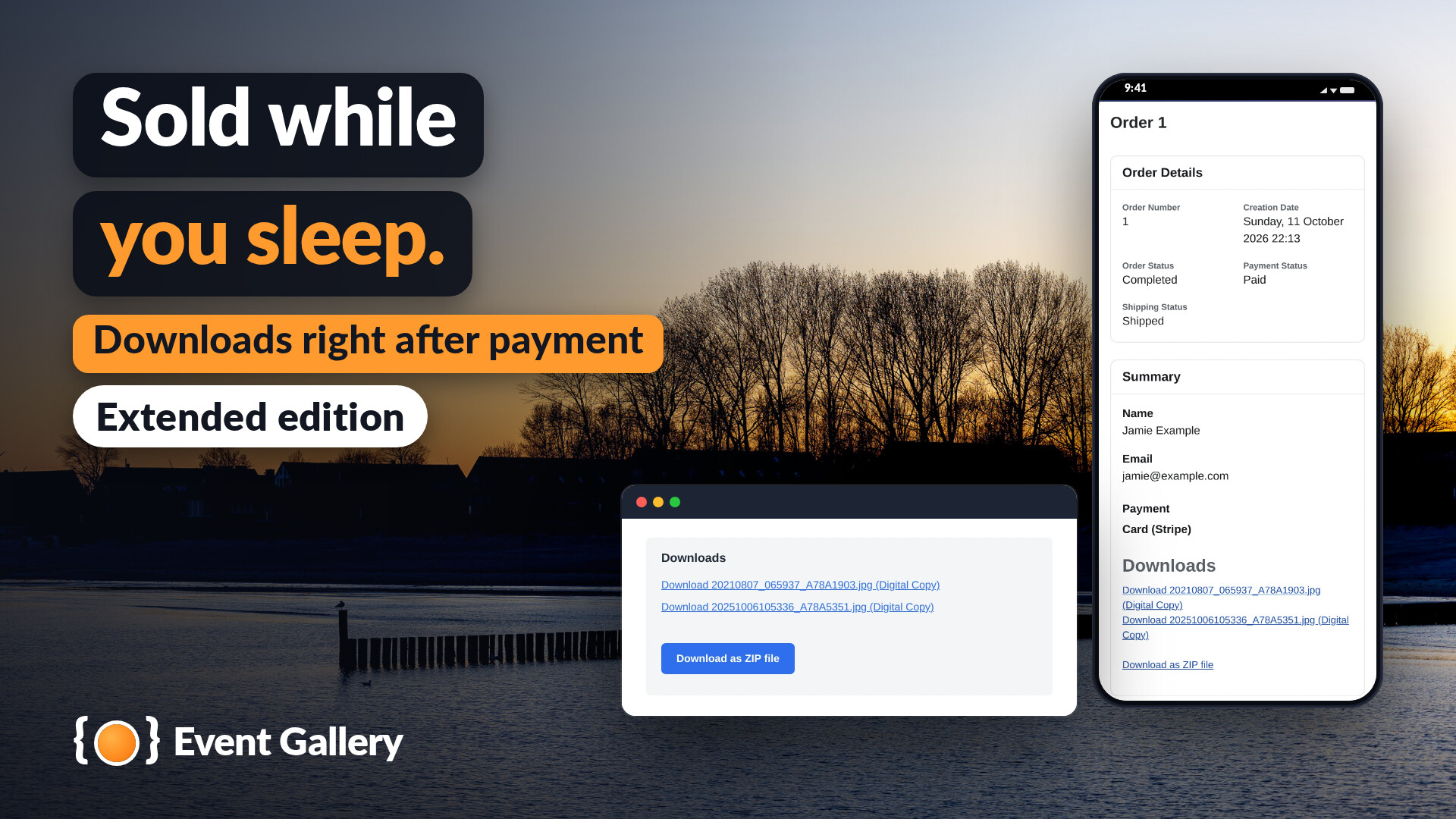
Sold while you sleep.
The download links come right after the payment.
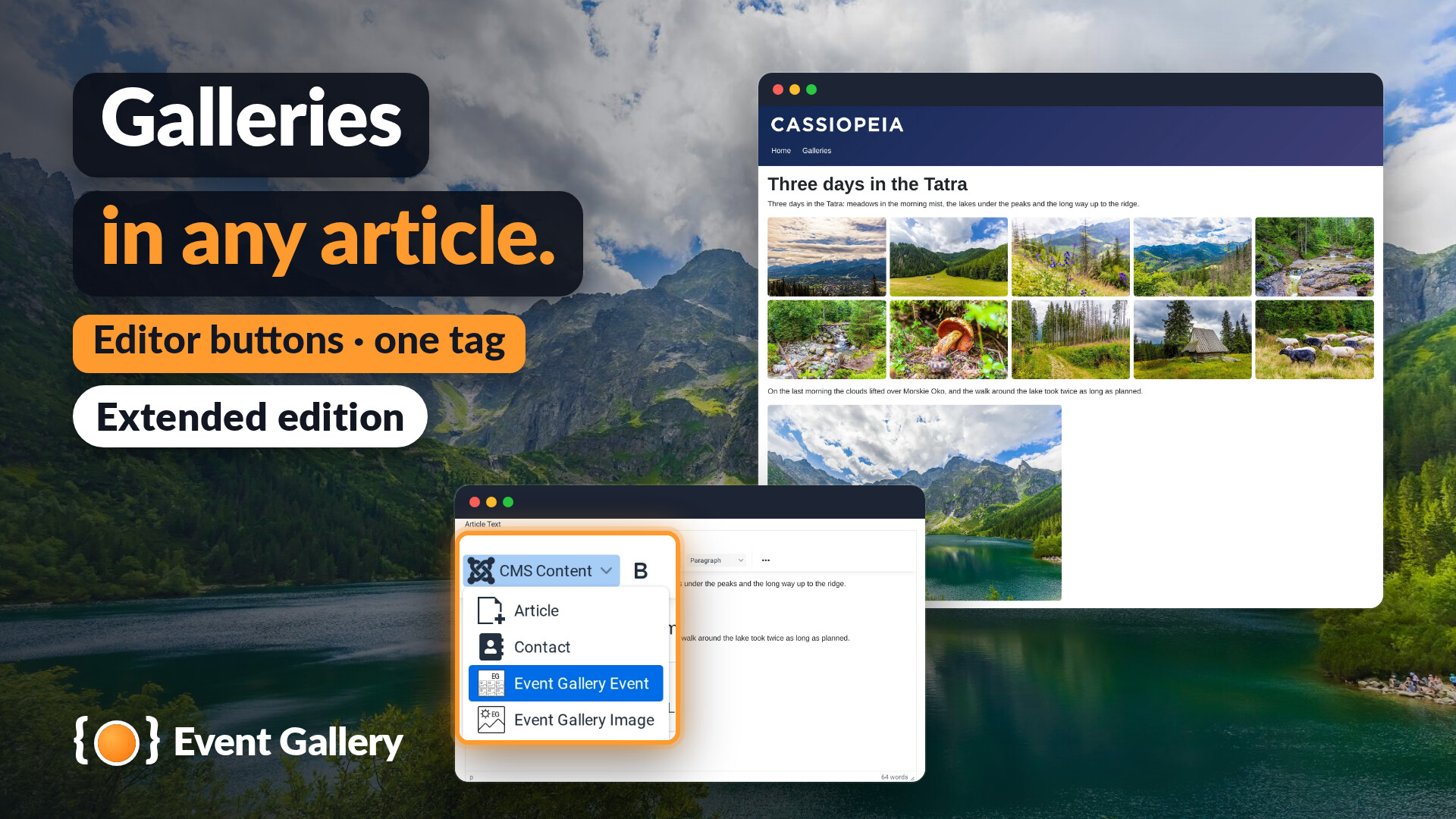
Galleries in any article.
Two editor buttons and one tag.
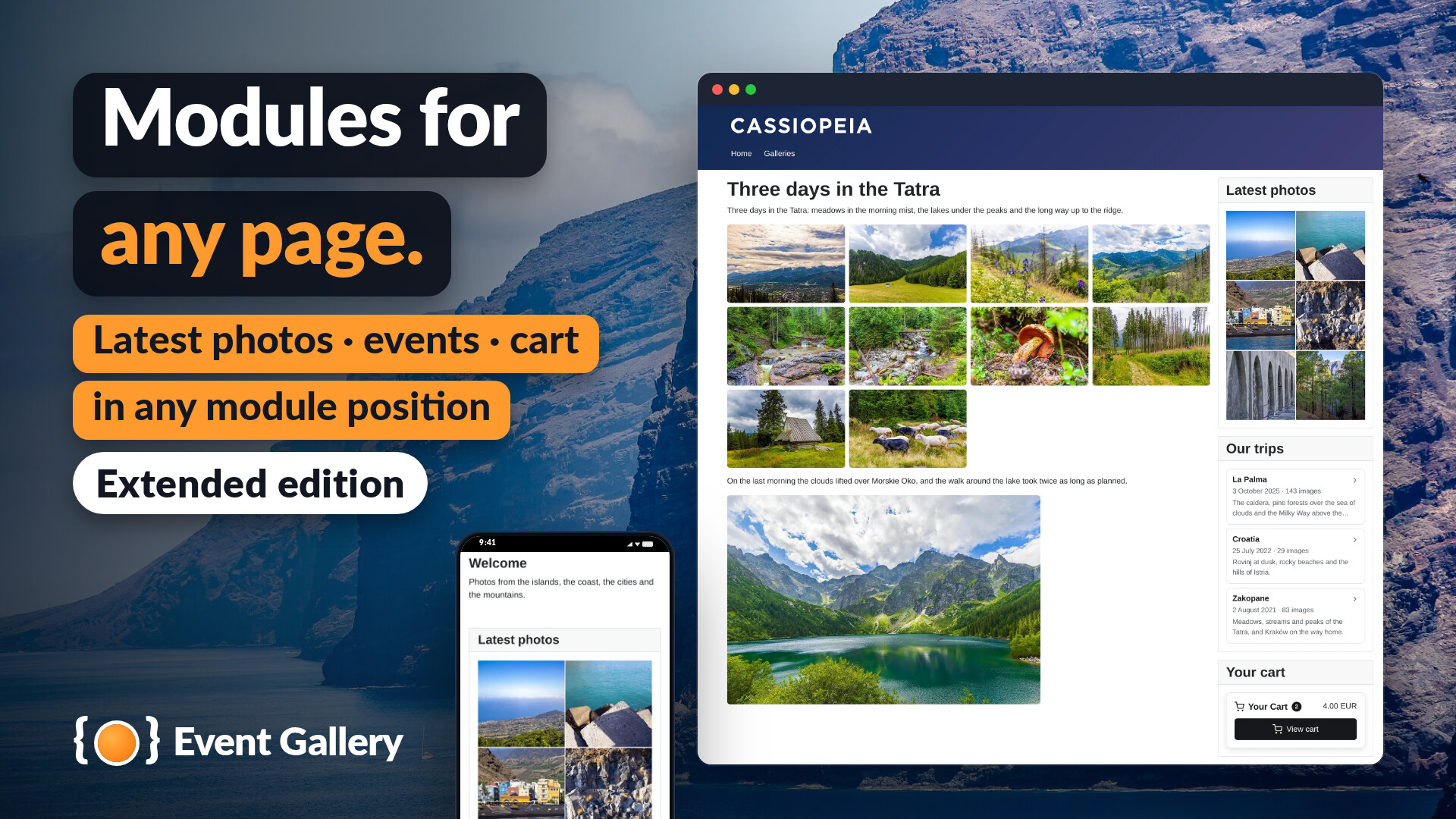
Modules for any page.
The latest photos, your events and the cart in any module position.
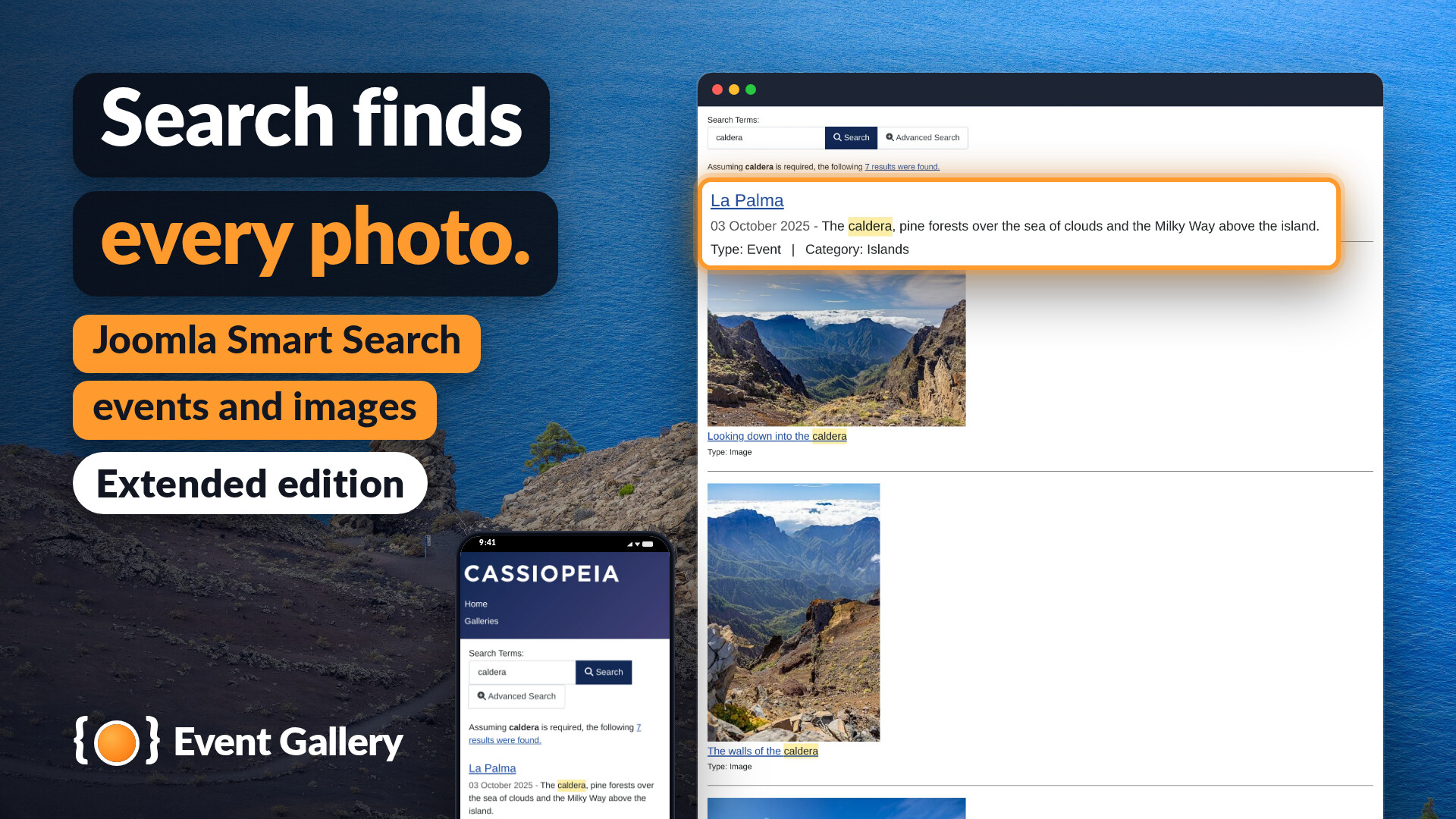
Search finds every photo.
Your events and images in Joomla's Smart Search.
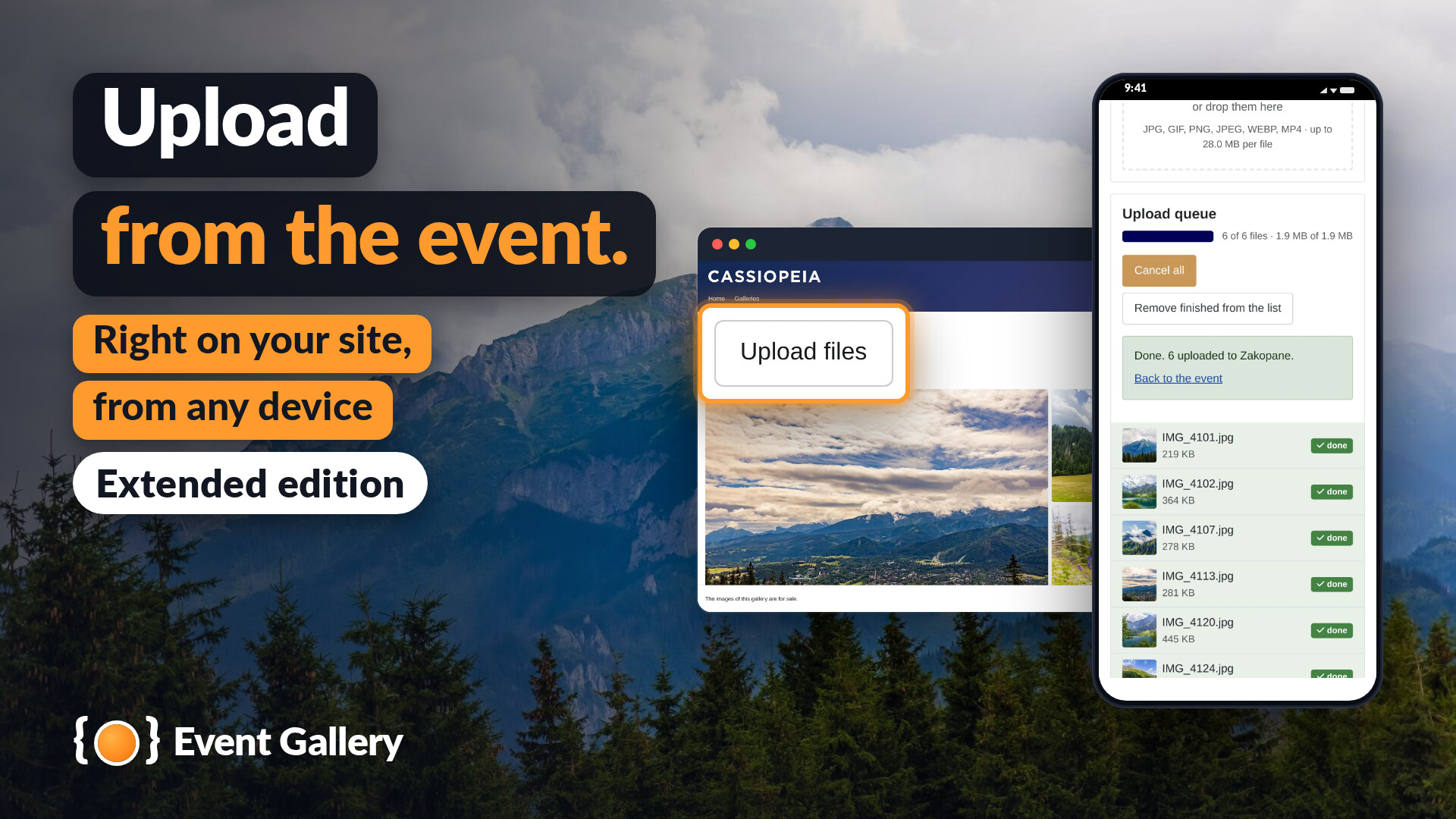
Upload from the event.
Right on your site, from any device.
In the backend
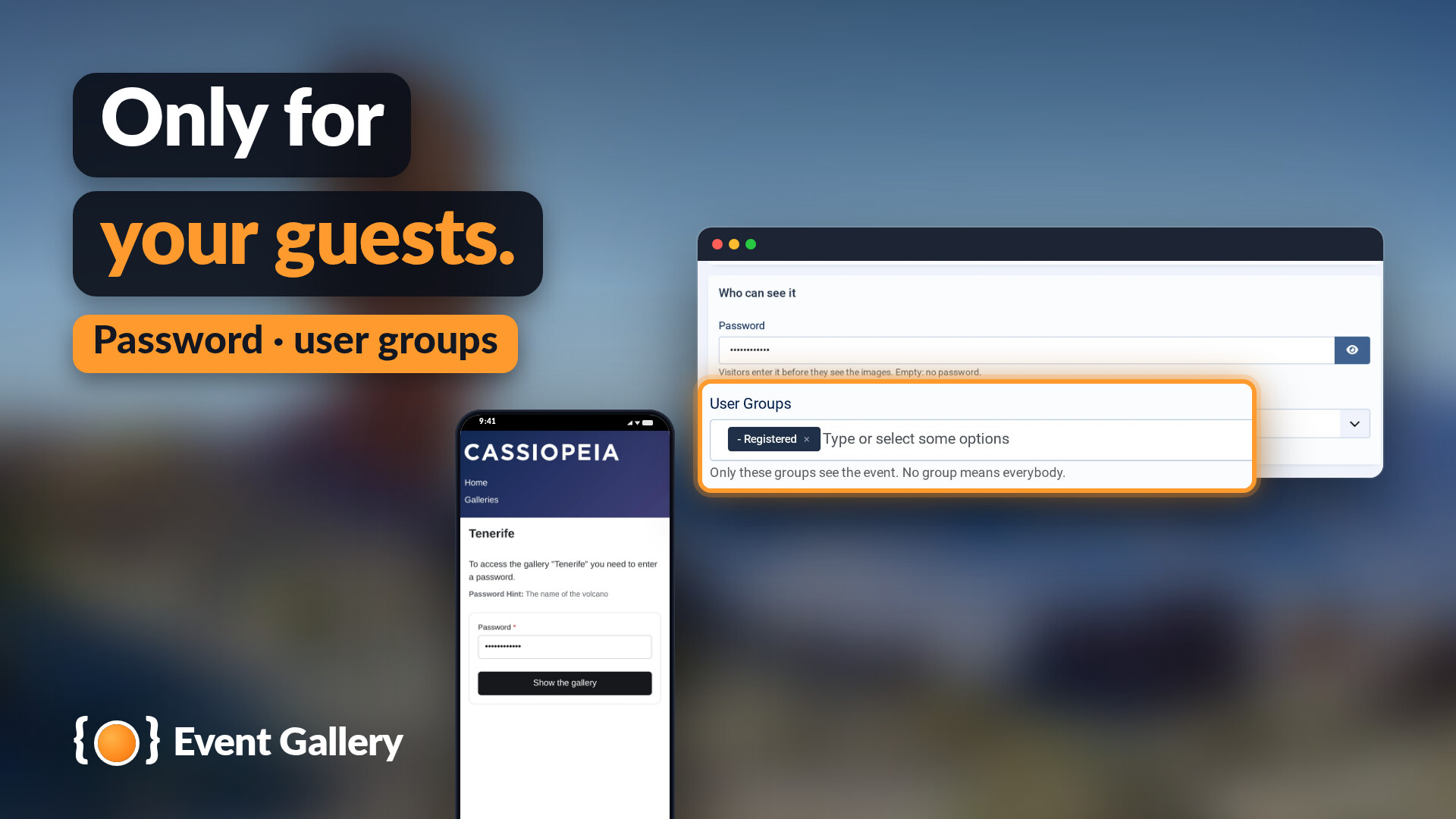
Only for your guests.
A password or user groups for every event.
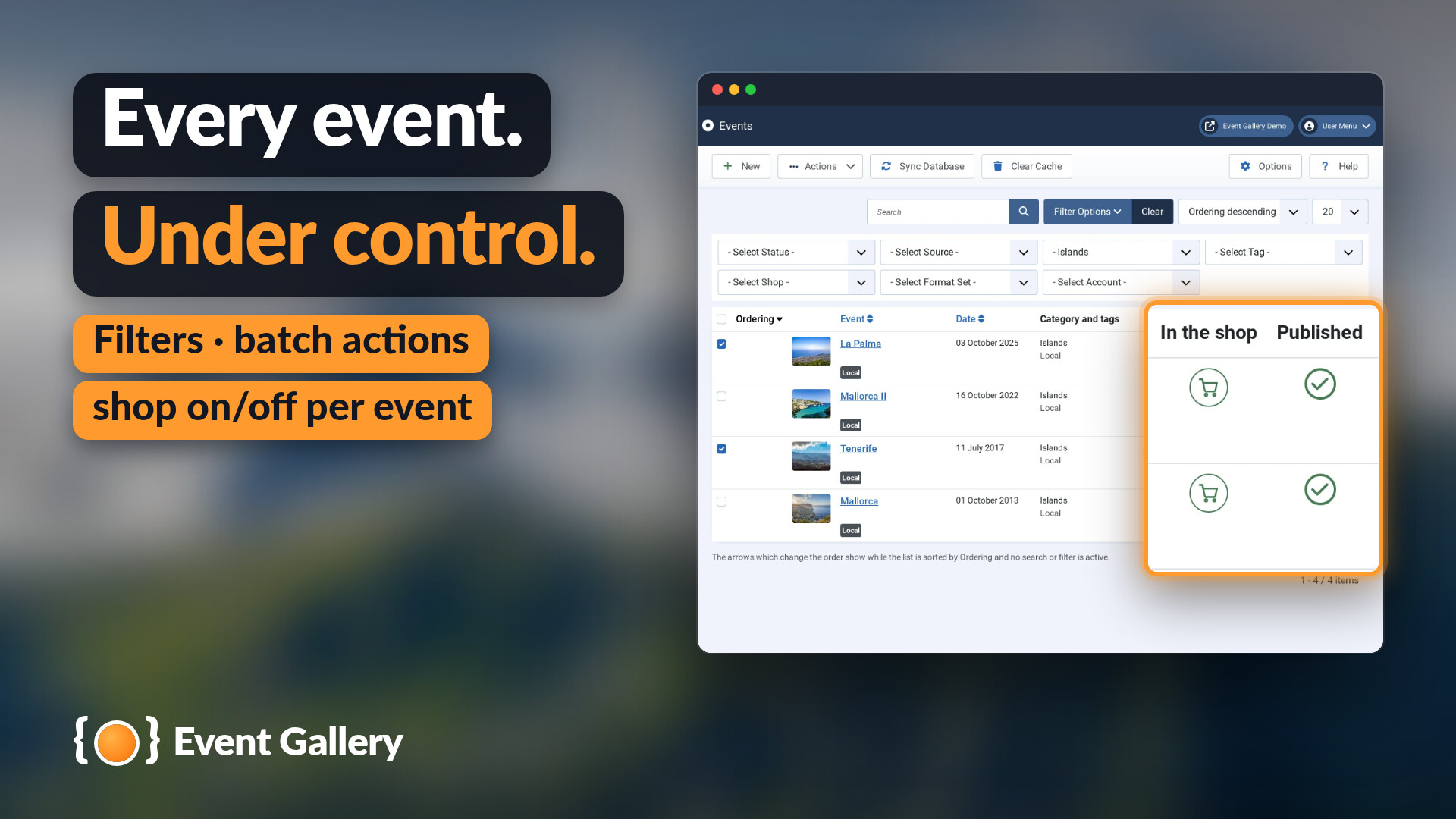
Every event under control.
Filters, batch actions and the shop switched on or off per event.
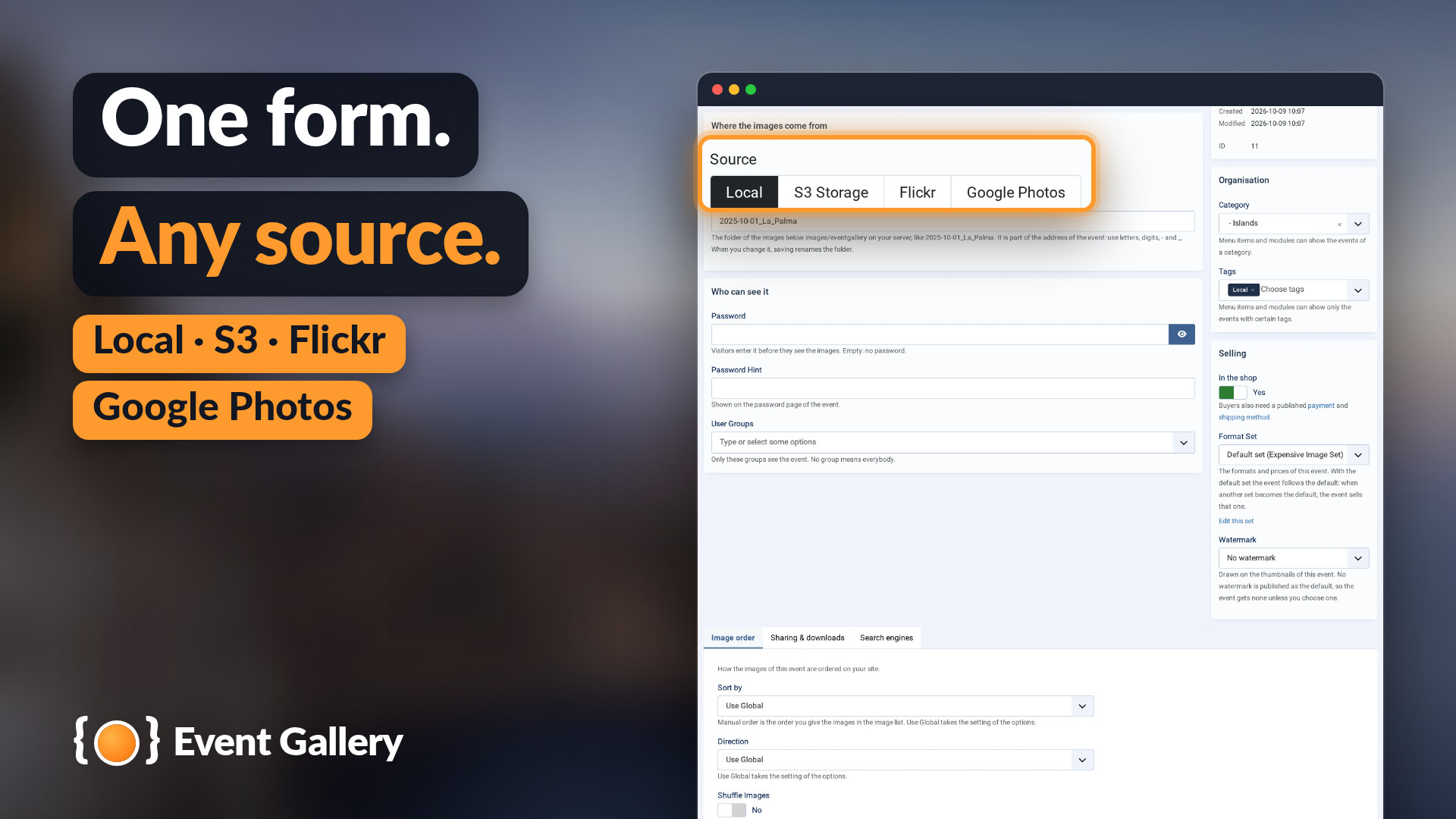
One form, any source.
Your server, Amazon S3, Flickr or Google Photos.
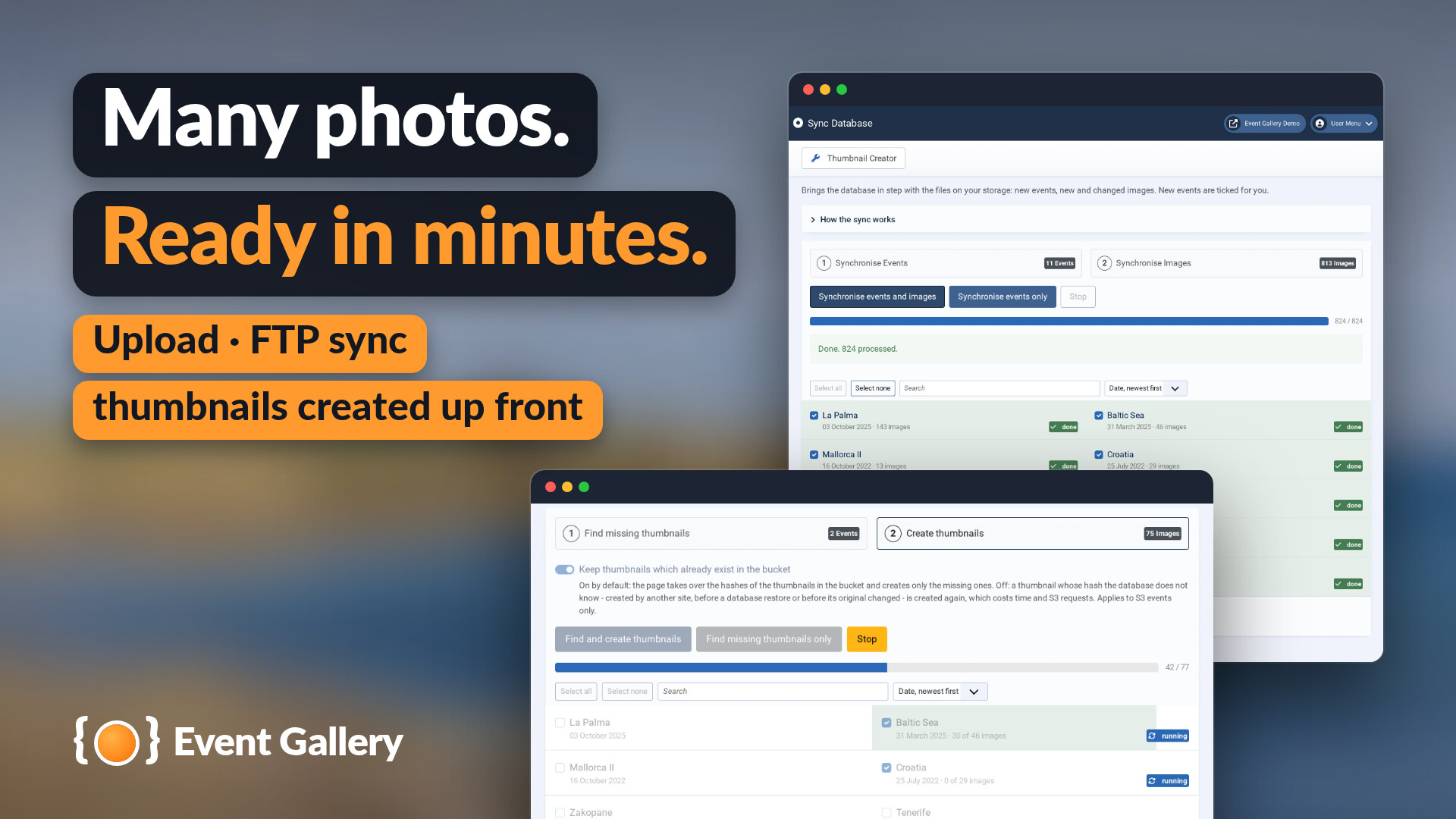
Many photos, ready in minutes.
Upload or FTP sync, and the thumbnails created up front.
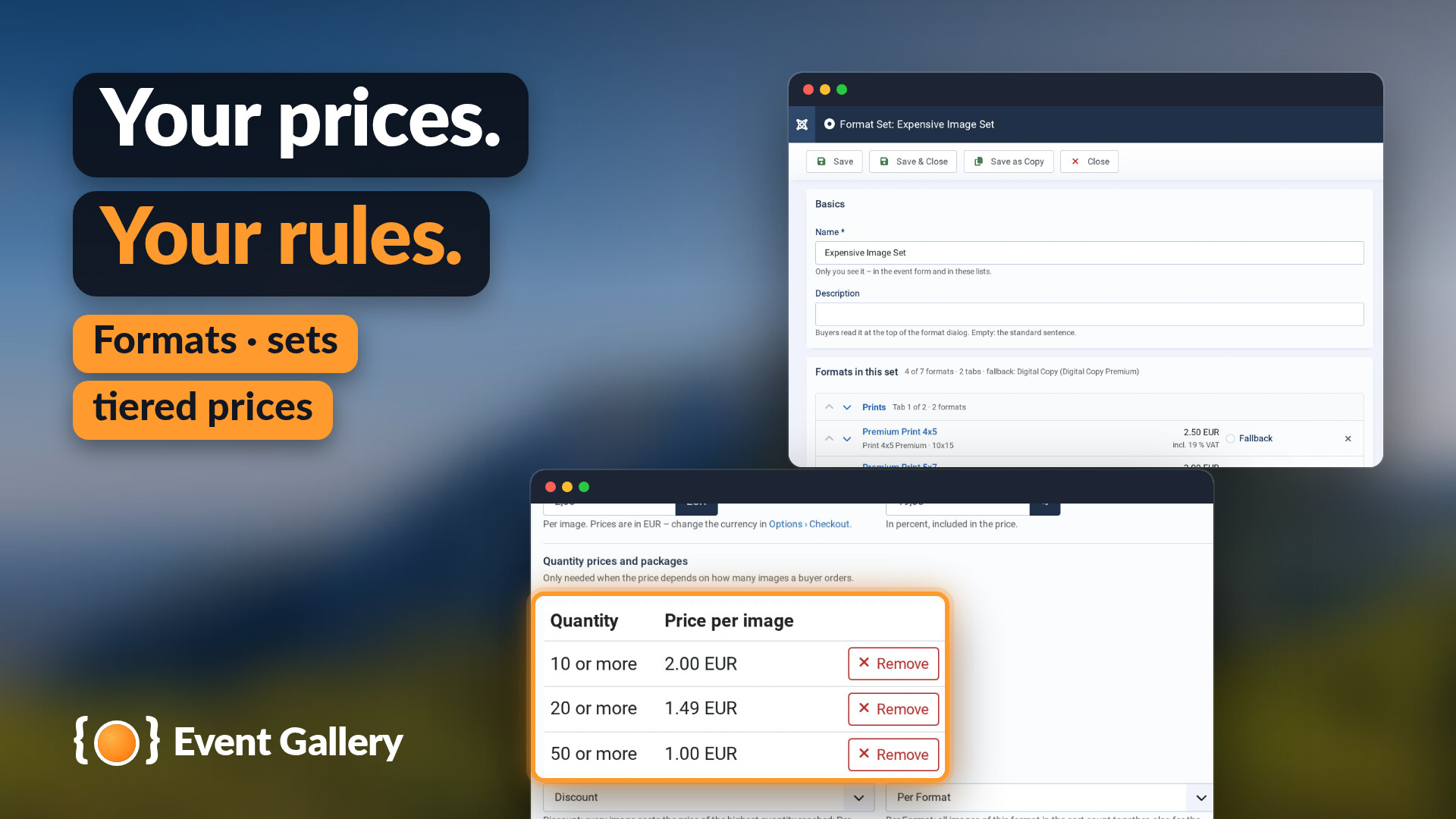
Your prices, your rules.
Formats, format sets and tiered prices.
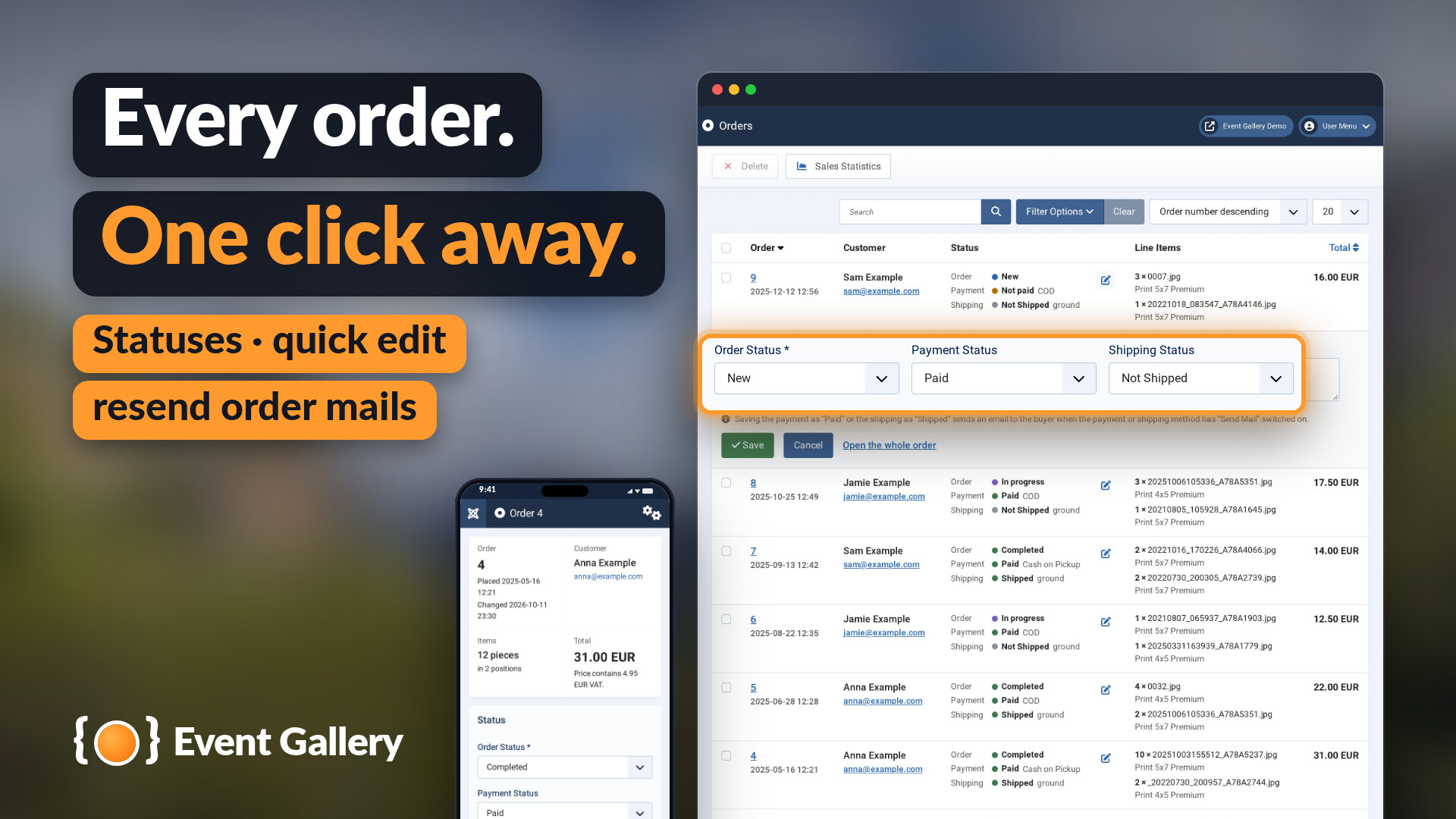
Every order one click away.
Statuses, quick edit and order mails sent again.
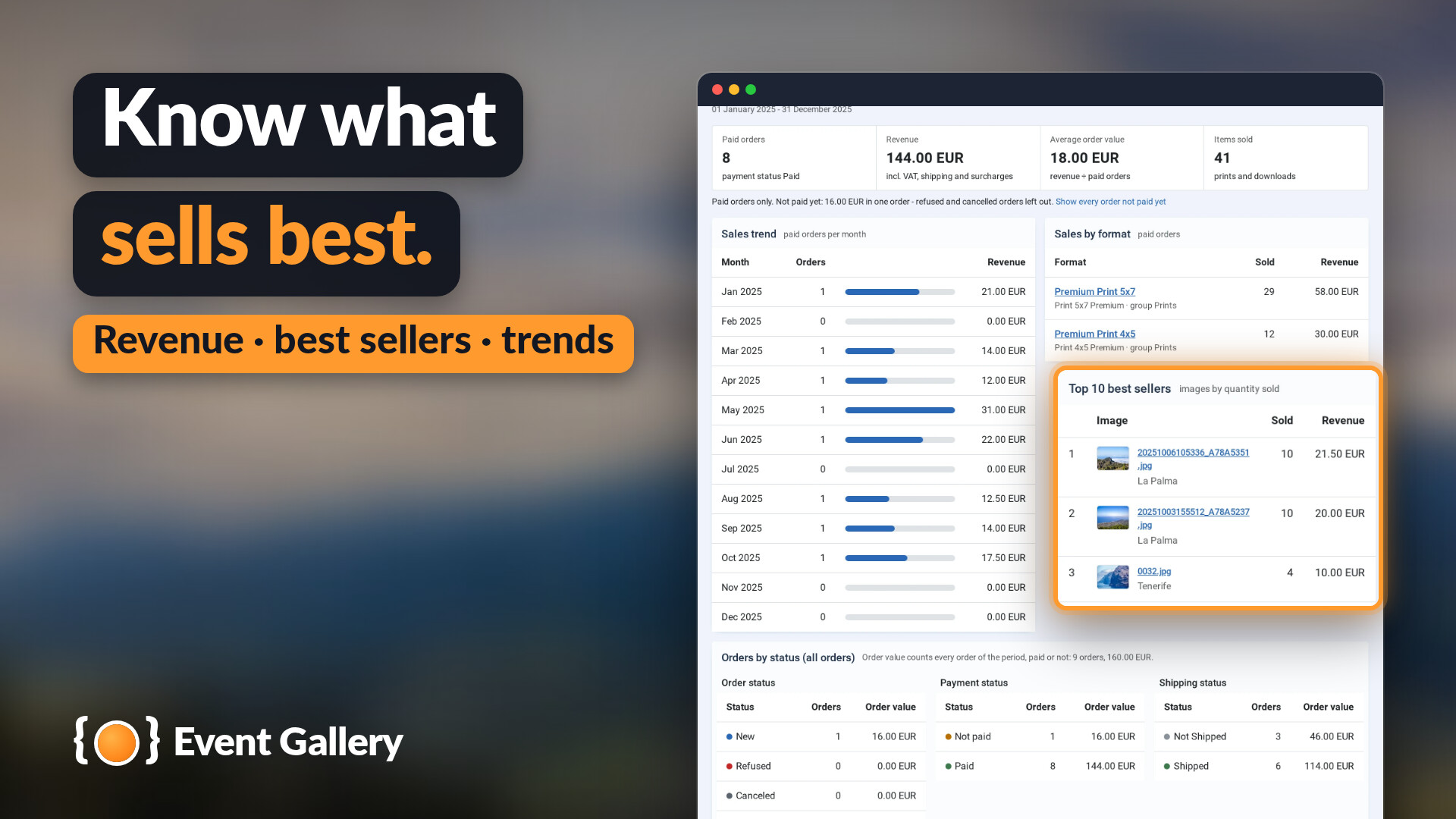
Know what sells best.
Revenue, best sellers and trends.
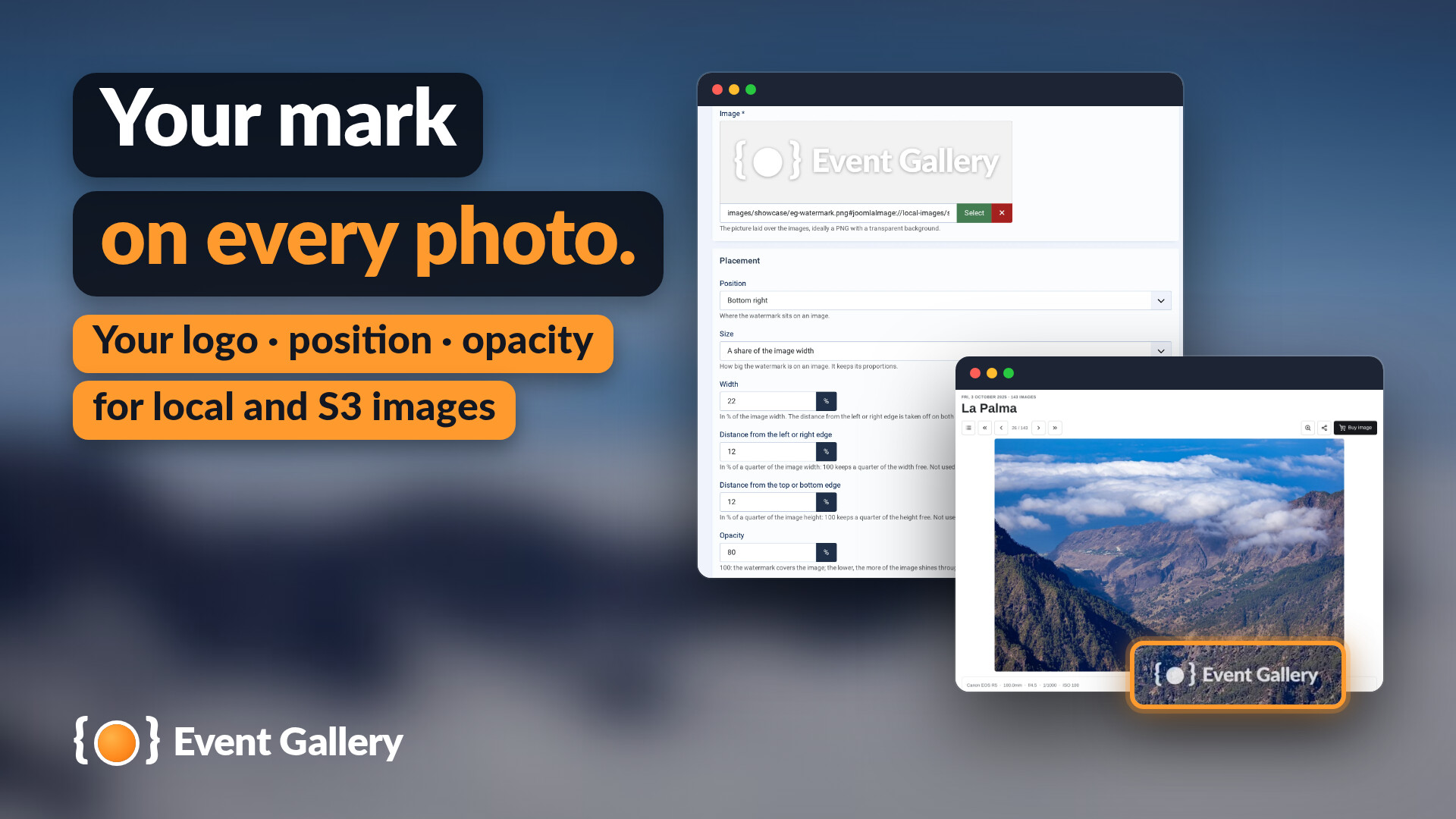
Your mark on every photo.
Your logo as a watermark, with its position and opacity - for local and S3 images.
Need Help Getting Started?
Check out the comprehensive manual or watch the tutorial videos. For questions and feature requests, use the ticket system or contact form. Custom development is also available.
The Manual
Available in your Joomla backend or directly on this site. Includes release notes for every version.
Requirements
- Joomla 5 or Joomla 6
- PHP 8.2 or later (8.3 for Event Gallery 7.0), MySQL or MariaDB, the PHP extensions GD and fileinfo
- a PHP memory limit of 128 MB or more (large photos need more)
Ready to Get Started?
Download the free edition to try it out, or get everything with Extended.